SHARE
Share goods and stock
Before the event, share goods and stock through the online catalog. On the day, show sales information at a glance on Board.
 OtaPOSLIVE GOODS GUIDE
Sales & stock for doujin events
Sell at your booth and share goods and stock online. After selling, check revenue and profit in reports.
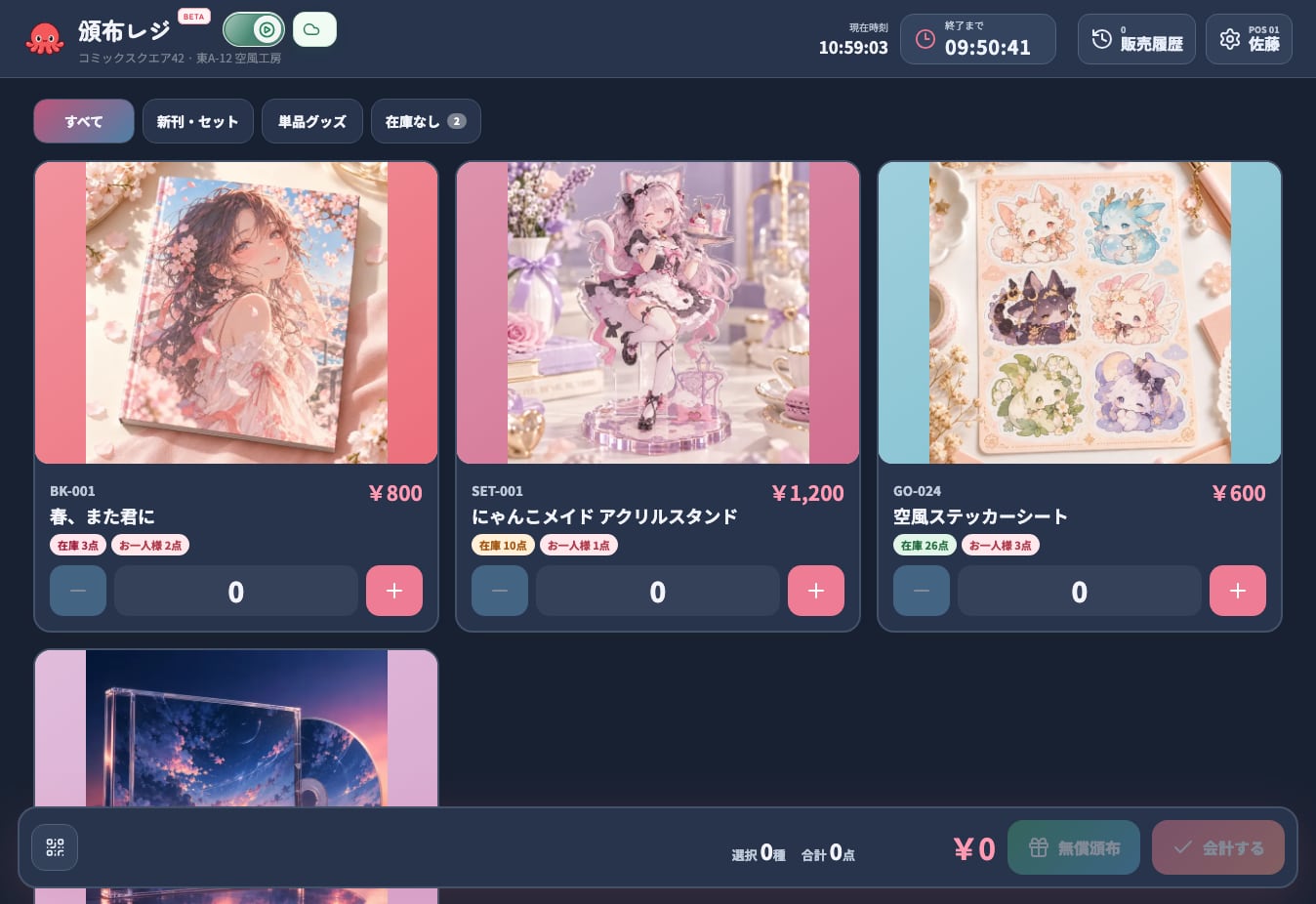
Actual screens · Demo data
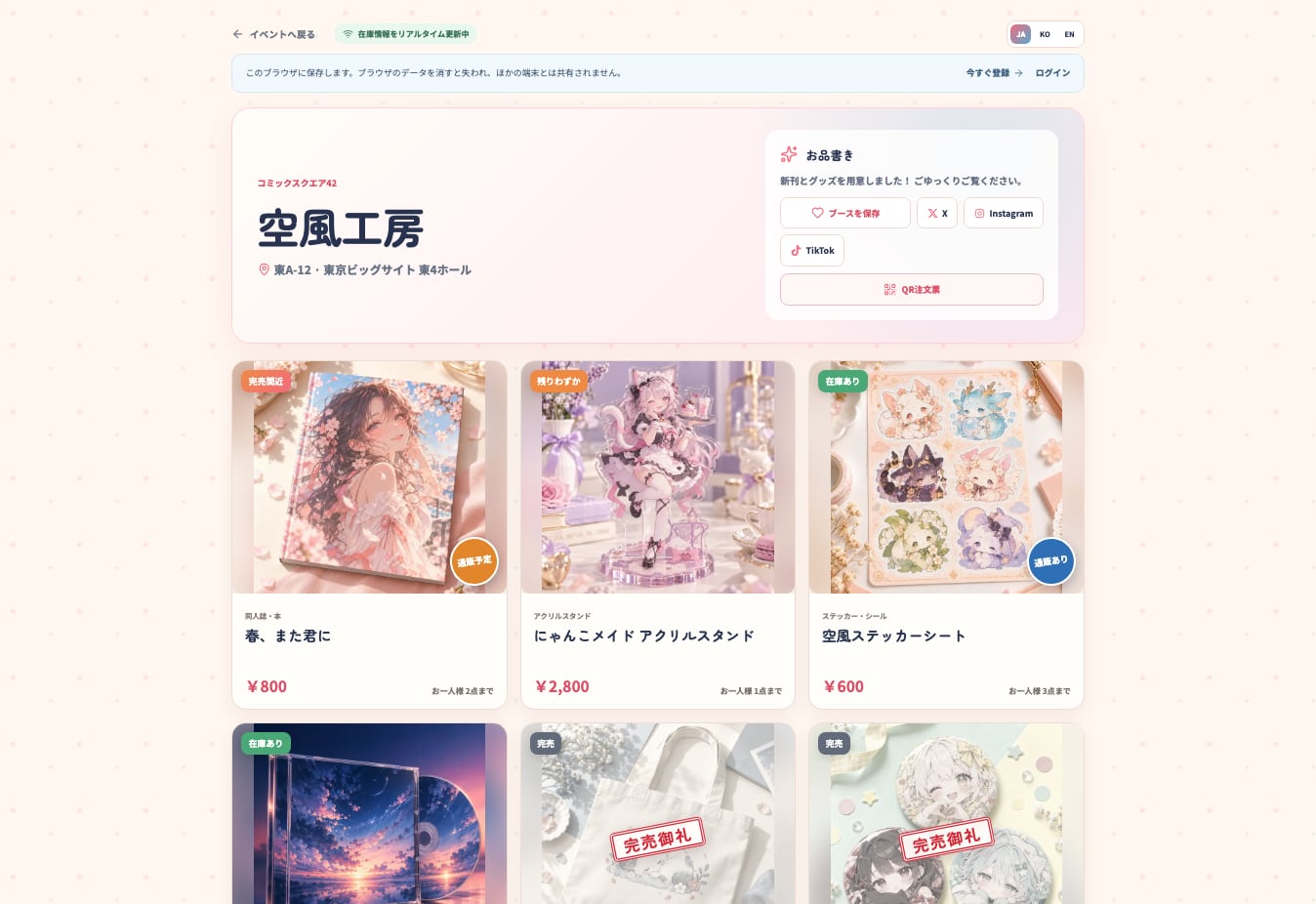
Actual screens · Demo data
Your booth, live
Each POS sale updates the stock on your online catalog and Board right away. Share prices, discounts and first-come bonuses, or goods that are easy to miss at the venue, in a short message and descriptions to bring people to your booth.
Dash · Prepare and settle
Set up goods, prices, daily stock, POS operators and your Board in Dash. After the event, see sales, costs and profit, sales by hour and how stock ran down, and plan stock for the next event.
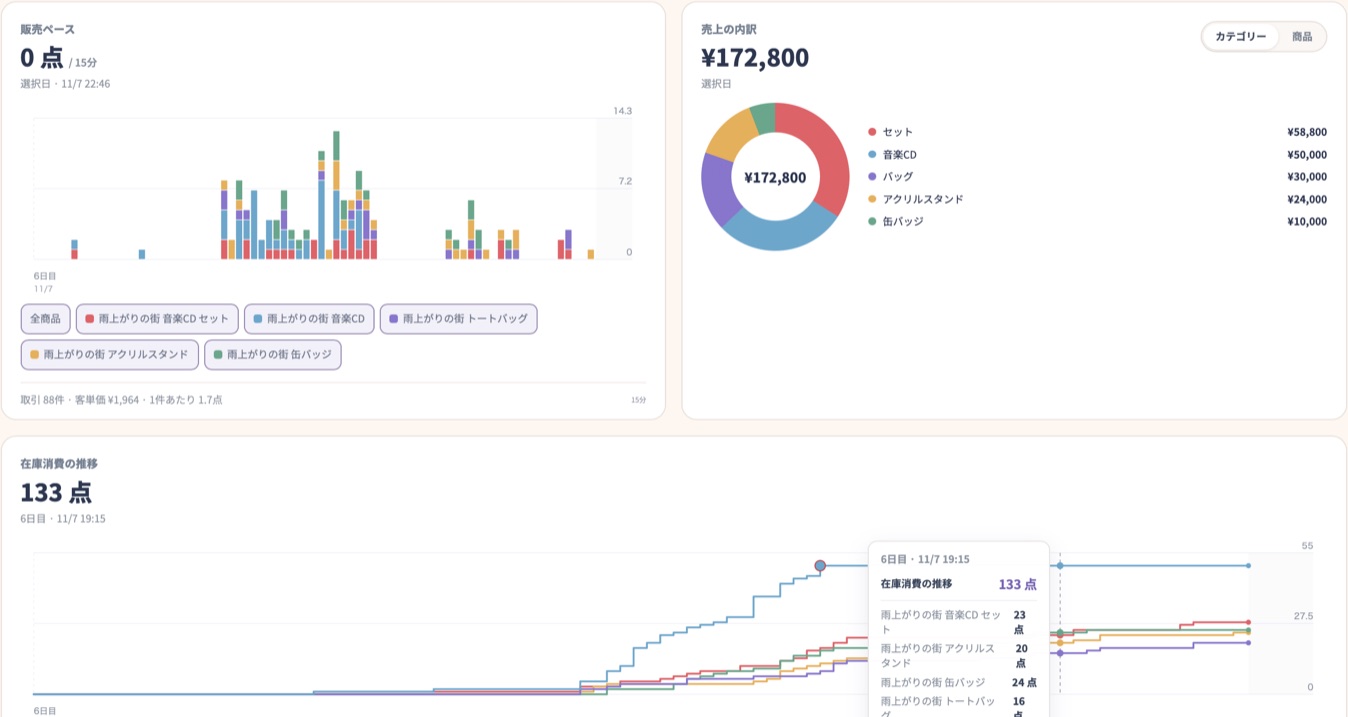
Actual screens · Demo data